Step 01
Scan table QR or tap NFC
Guests scan the table code or tap an NFC stand where deployed. The menu opens straight in Safari or Chrome with zero app downloads or sign-in walls.
From table scan to kitchen order
No native app store detour. Browser WebGL gives diners immediate interactive 3D inspection, while calibrated Quick Look and Scene Viewer bring dishes onto the dining table.
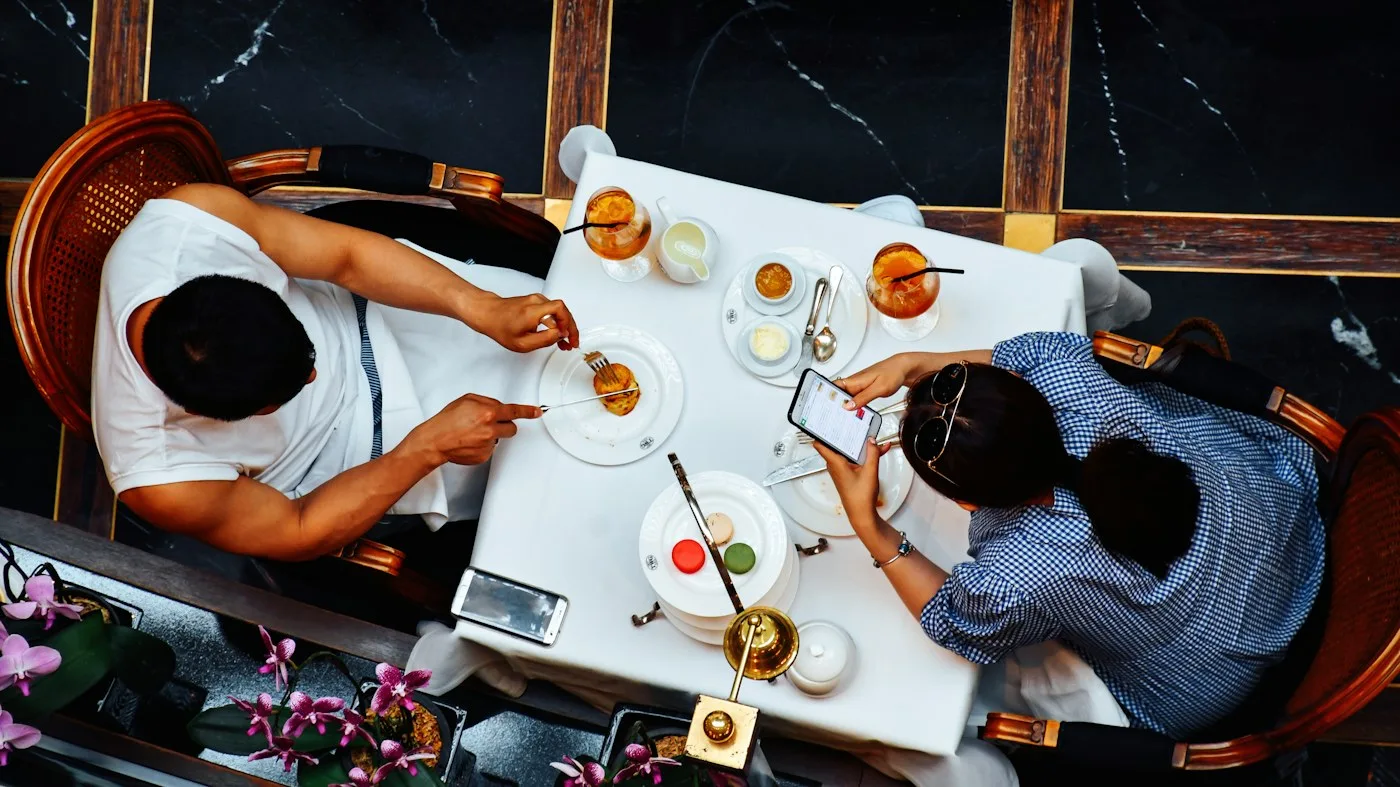
Guests scan the table code or tap an NFC stand where deployed. The menu opens straight in Safari or Chrome with zero app downloads or sign-in walls.
Every featured dish turns smoothly in the browser so guests see portion size, plating composition, garnish, and stoneware details from any angle.
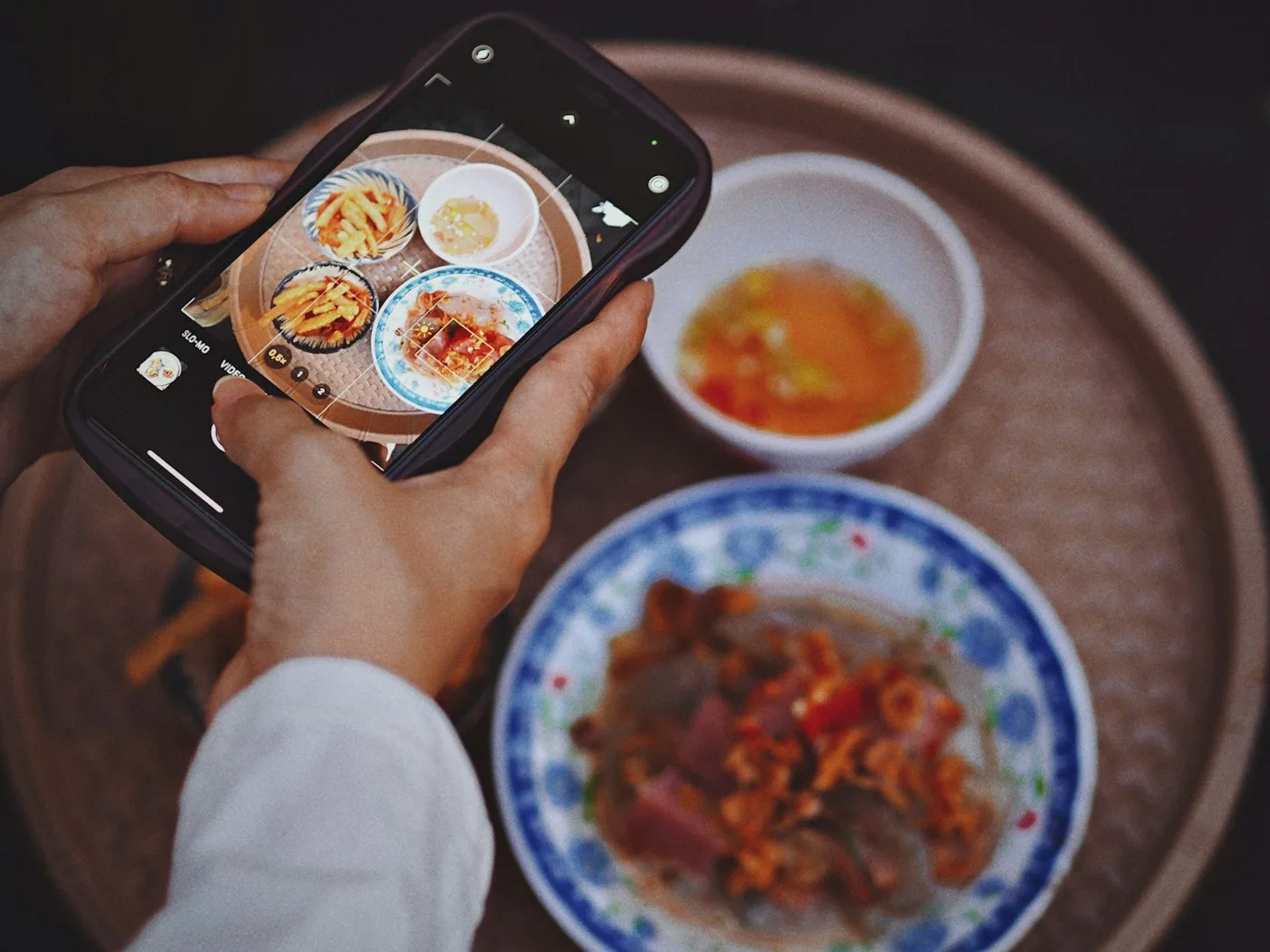
With one tap, iOS opens Apple AR Quick Look and supported Android phones open Google Scene Viewer, anchoring the dish on the tabletop at its true size.
The table experience
Hospitality rooms are rarely bright studio boxes. PlateSight pairs a fast-loading 3D view with real-scale AR placement so first-time visitors understand unfamiliar dishes without needing to ask staff for explanations.
Onboarding workflow
Your team plates each selected dish once; PlateSight handles capture, cleanup, mobile compression, and AR packaging end to end.
We work with your culinary and front-of-house leads to choose the signatures, sharing platters, and high-curiosity plates where visual clarity matters most.
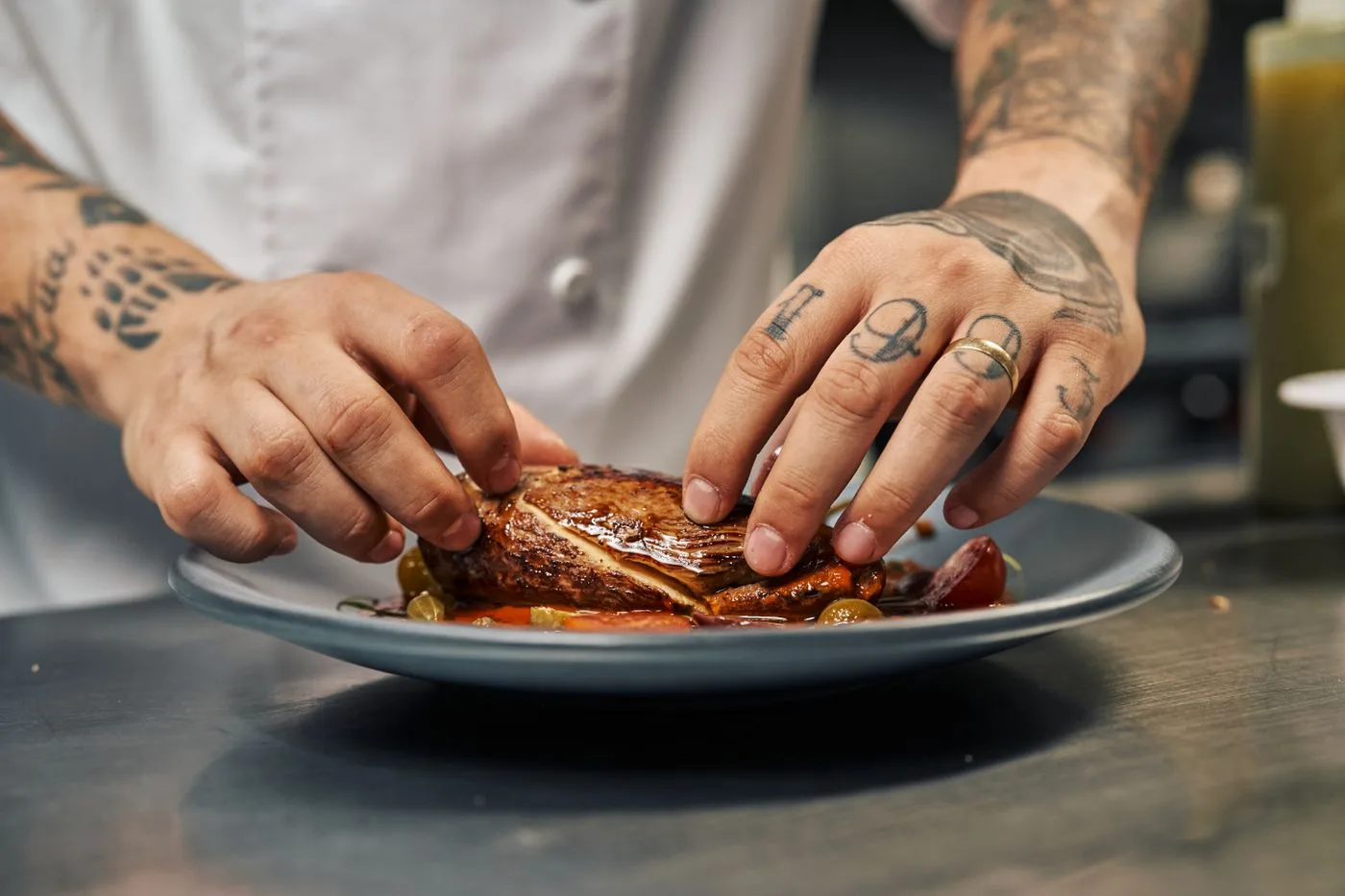
Plates are photographed at the kitchen pass as your chefs finish them, preserving natural glaze, garnish height, and crockery texture without artificial props.
Raw captures are reconstructed into clean 3D meshes and tuned under warm hospitality lighting so sauces, crusts, and herbs read truthfully on mobile screens.
Geometry and Basis Universal KTX2 textures are compressed and verified on both iOS Safari and Android Chrome at calibrated centimetre proportions.
Every approved dish gets a dedicated web link ready to embed inside your digital menu, table QR workflow, or optional NFC table stands.
Table & menu integration
PlateSight can live behind your existing QR menu or sit on custom-finished QR and NFC table stands where offered. Every dish resolves to a clean URL you can share or embed directly.
See hospitality deployment optionsMain Course · 22 × 22 cm
Chef's Platter · 46 × 16 cm
Starters · 17 × 17 cm